Color Picker [Tab 27]
The color picker can be opened from the Workspace Layout Menu or by using [Tab] [2][7].
Color Picker Tab Configuration
Tab configuration menus contain additional sets of context-specific options for a display. They can be accessed from the bottom of the Tab Tools by right-clicking or double-tapping either the tab or the gear icon to the left of the frame's tab bar.
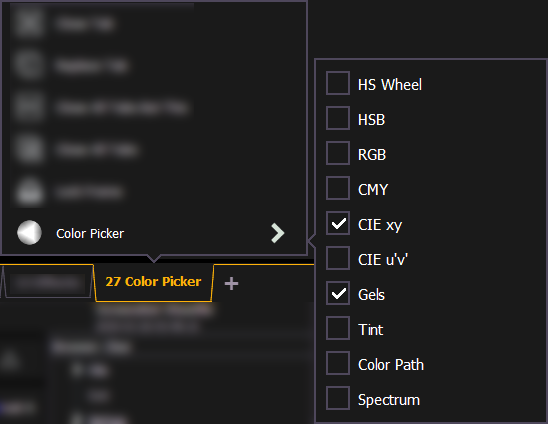
With the color picker open, you have the choice between six different Color Spaces, a Gel Picker, Color Path [Tab 33], Tinting Tools, and Spectrum Tools.